
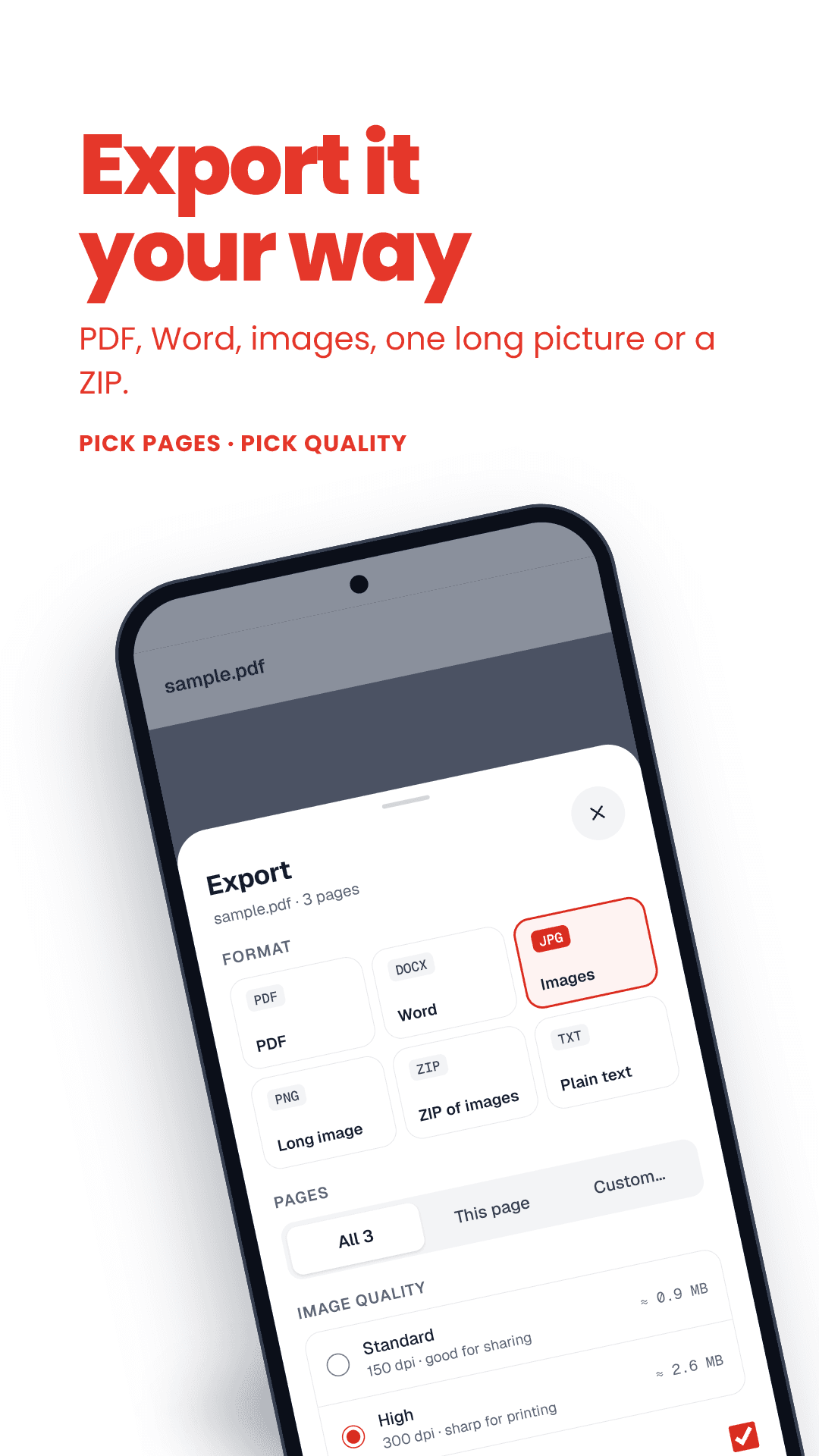
How to convert PDF to JPG
- 1Drop a PDF into the box.
- 2Pick a quality — Standard is perfect for sharing, High for printing.
- 3Download pages one by one, or all of them as a ZIP.
PDF to JPG: key facts
- Price
- Free — no sign-up, no watermark
- Privacy
- Runs in your browser; files are never uploaded
- Output
- One JPG per page, or a ZIP
- Resolution
- 150 DPI (Standard) or 300 DPI (High)
- Works on
- Any modern browser — Android, iPhone, Windows, Mac
- Offline option
- FramePDF Android app (free)
When you need images instead of a PDF
WhatsApp previews images instantly but makes people download a PDF. Some forms only accept JPG. And a single page from a PDF is much easier to post, print or paste into slides as a picture.