
Get what you need
out of any PDF.
Pull out charts, tables and questions. Save a page as a photo. Rearrange pages and export to Word, images or a ZIP. All on your phone — nothing is uploaded.

Pull images out of any PDF
FramePDF looks through every page and lists the pictures, tables and exam questions it finds. Tick the ones you want and save them to your photos.
- Charts, diagrams and photos
- Tables and numbered questions
- QR codes, too
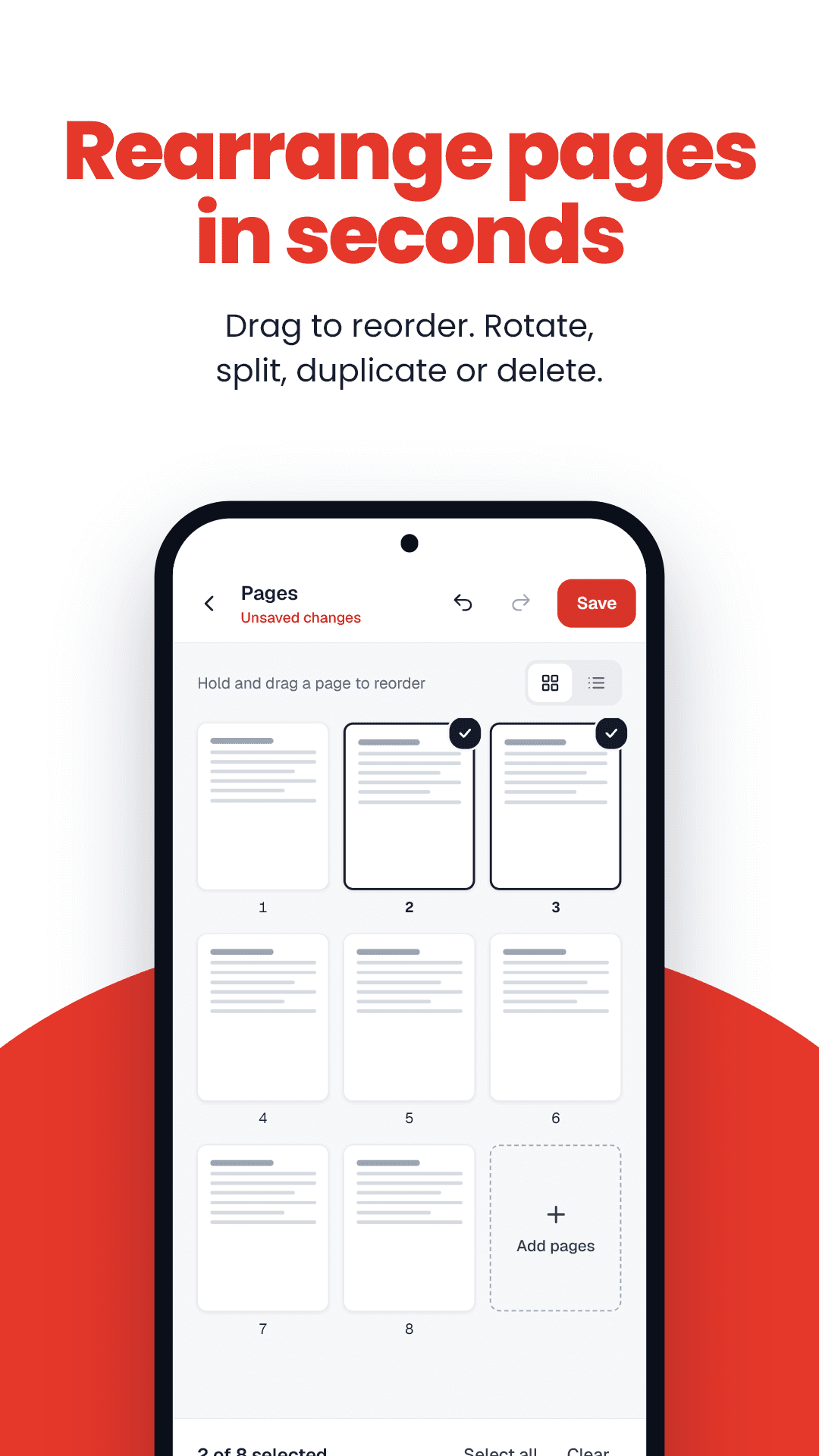
Rearrange pages in seconds
See every page as a thumbnail. Reorder, rotate, copy or remove pages, or pull a few into a new file. Changes stack up on a copy, with undo — your original is never touched.
- Reorder, rotate, copy, remove
- Combine PDFs into one
- Undo or start over
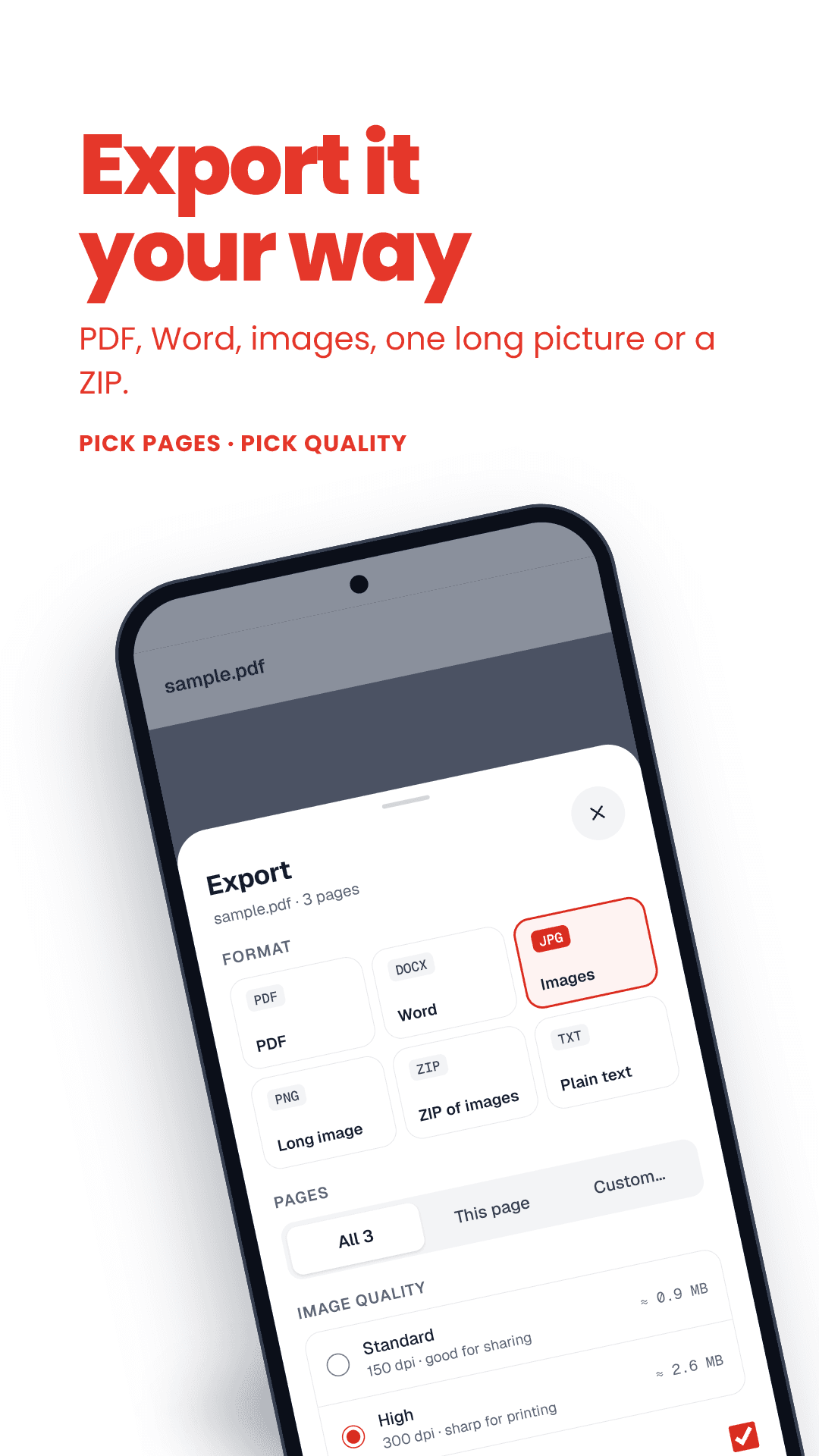
Export it your way
Save the whole document or just some pages as a PDF, a Word file, separate images, one long image, or a ZIP — at standard quality for sharing or high quality for printing.
- PDF, Word (.docx), JPG or PNG
- One long image or a ZIP
- All pages, this page, or custom
Powerful, but not in your face
The home screen is just your pages with Save and Share. Everything else is one tap away under More.
Pages to Photos
Tap Save under any page and it's in your gallery.
Share in one tap
Send a page straight to WhatsApp or email as a picture.
Save part of a page
Zoom in and drag a box around just the bit you need.
Combine PDFs
Merge several files and put the pages in order.
Make it smaller
Shrink a heavy scan before you upload or email it.
Mark up
Add text, highlight or draw on a page, then save.
Find and jump
Search the text, jump to a section, or browse thumbnails.
Opens locked PDFs
Password-protected PDFs open once you enter the password.
Fully offline
No account, no upload. Your files stay on your phone.
Free tools in your browser
On a laptop, or not ready to install? These run on your device too.
All toolsFrequently asked questions
Your PDFs, handled on your phone.
Free on Google Play. No account. No upload.