
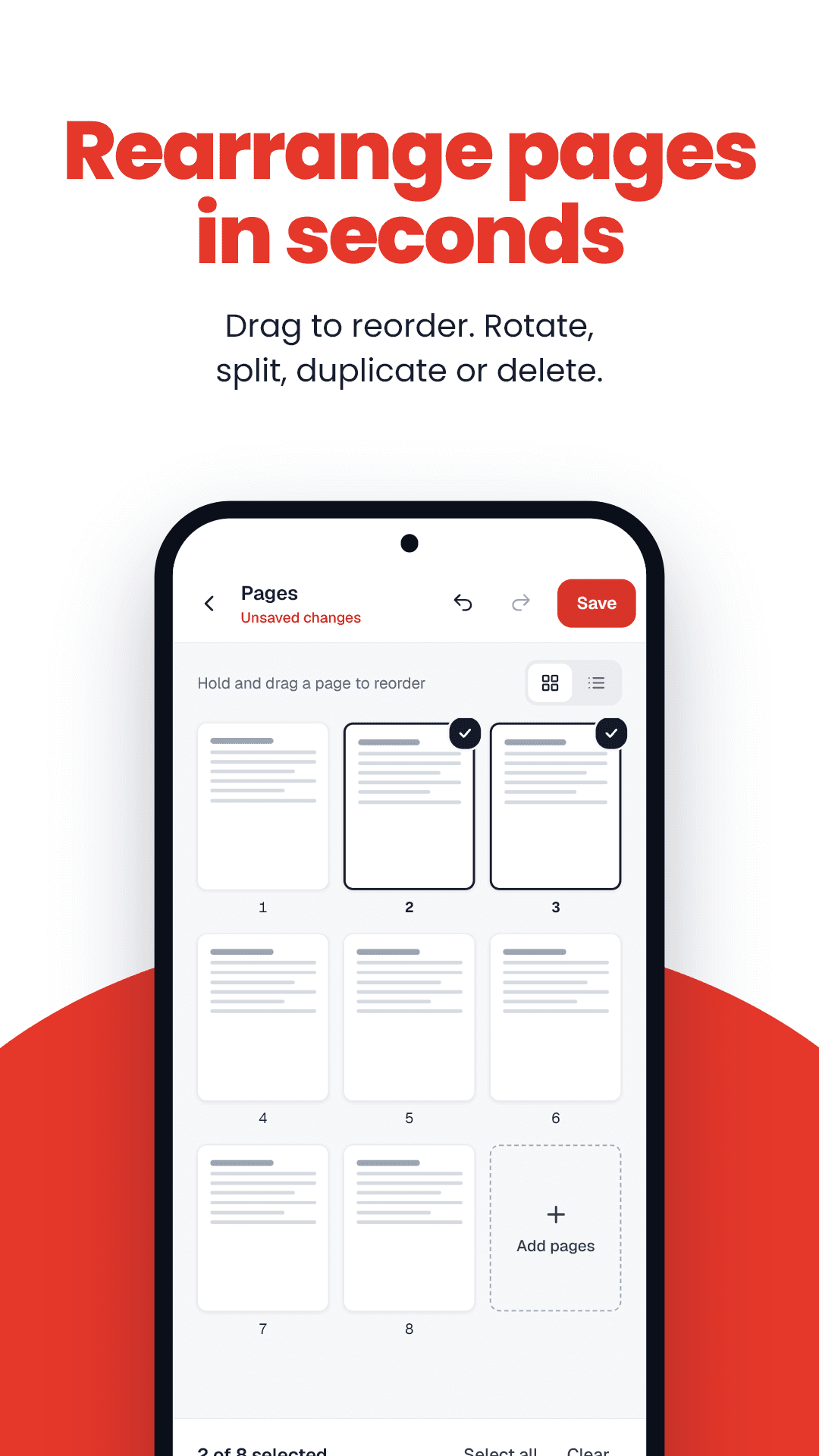
How to reorder PDF pages
- 1Drop your PDF into the box.
- 2Use ← and → under each page to move it.
- 3Press Save new order and download.
Reorder PDF pages: key facts
- Price
- Free — no sign-up, no watermark
- Privacy
- Runs in your browser; files are never uploaded
- Output
- Same PDF, new page order
- Quality
- Lossless
- Works on
- Any modern browser — Android, iPhone, Windows, Mac
- Offline option
- FramePDF Android app (free)
The double-sided scanning problem
Scanning a double-sided document on a single-sided scanner gives you all the fronts, then all the backs. Reordering puts them back as 1, 2, 3, 4 — no rescanning required.