
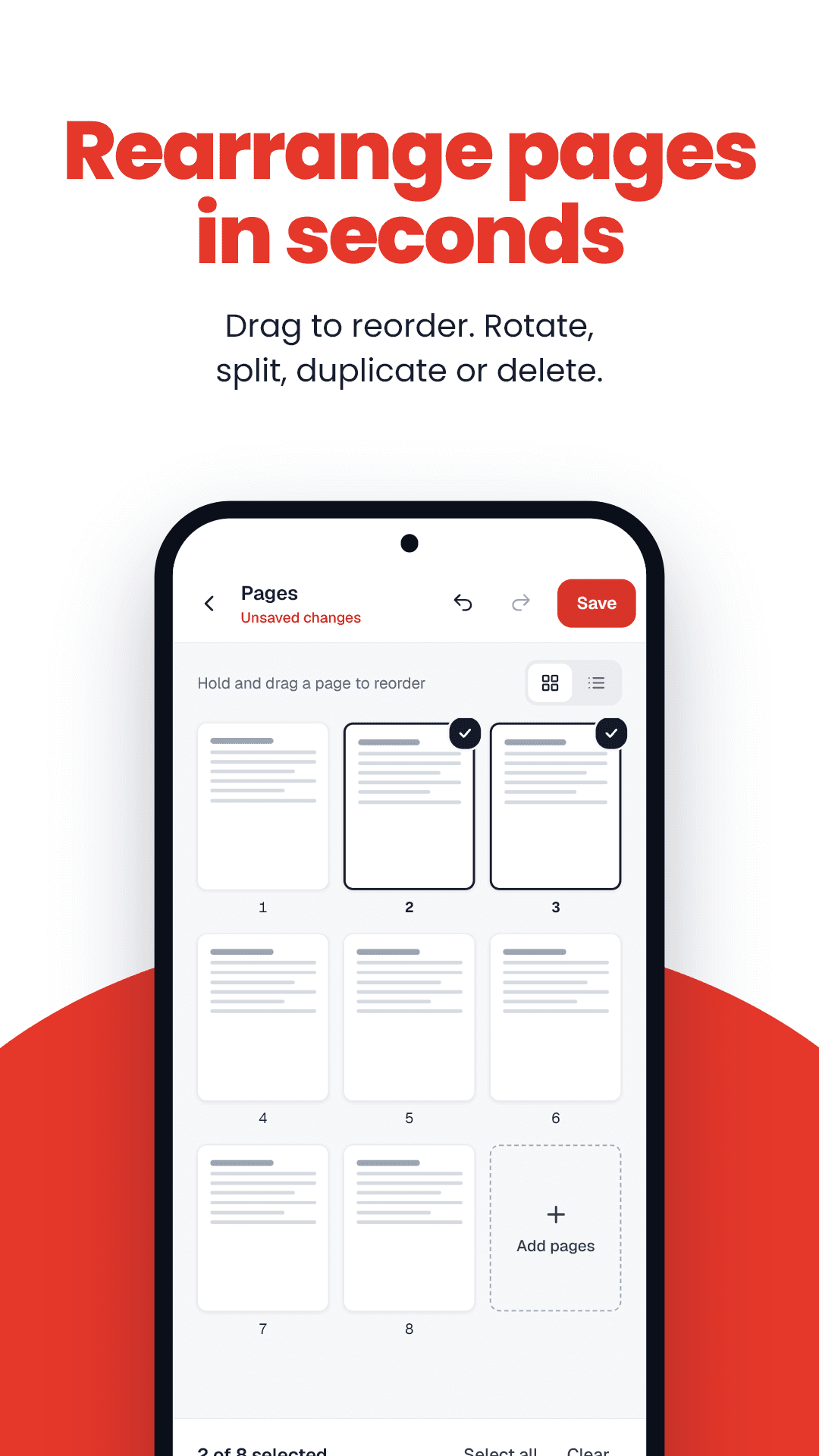
How to delete pages from a PDF
- 1Drop a PDF into the box.
- 2Tap the pages to remove — they'll be marked in red.
- 3Press Remove pages and download.
Delete PDF pages: key facts
- Price
- Free — no sign-up, no watermark
- Privacy
- Runs in your browser; files are never uploaded
- Output
- PDF without the removed pages
- Quality
- Lossless
- Works on
- Any modern browser — Android, iPhone, Windows, Mac
- Offline option
- FramePDF Android app (free)
Remove pages before you compress
Blank backs of scanned pages, instruction sheets, and duplicate pages all eat into your upload limit. Removing them first means the pages you keep can be saved at a higher quality.