
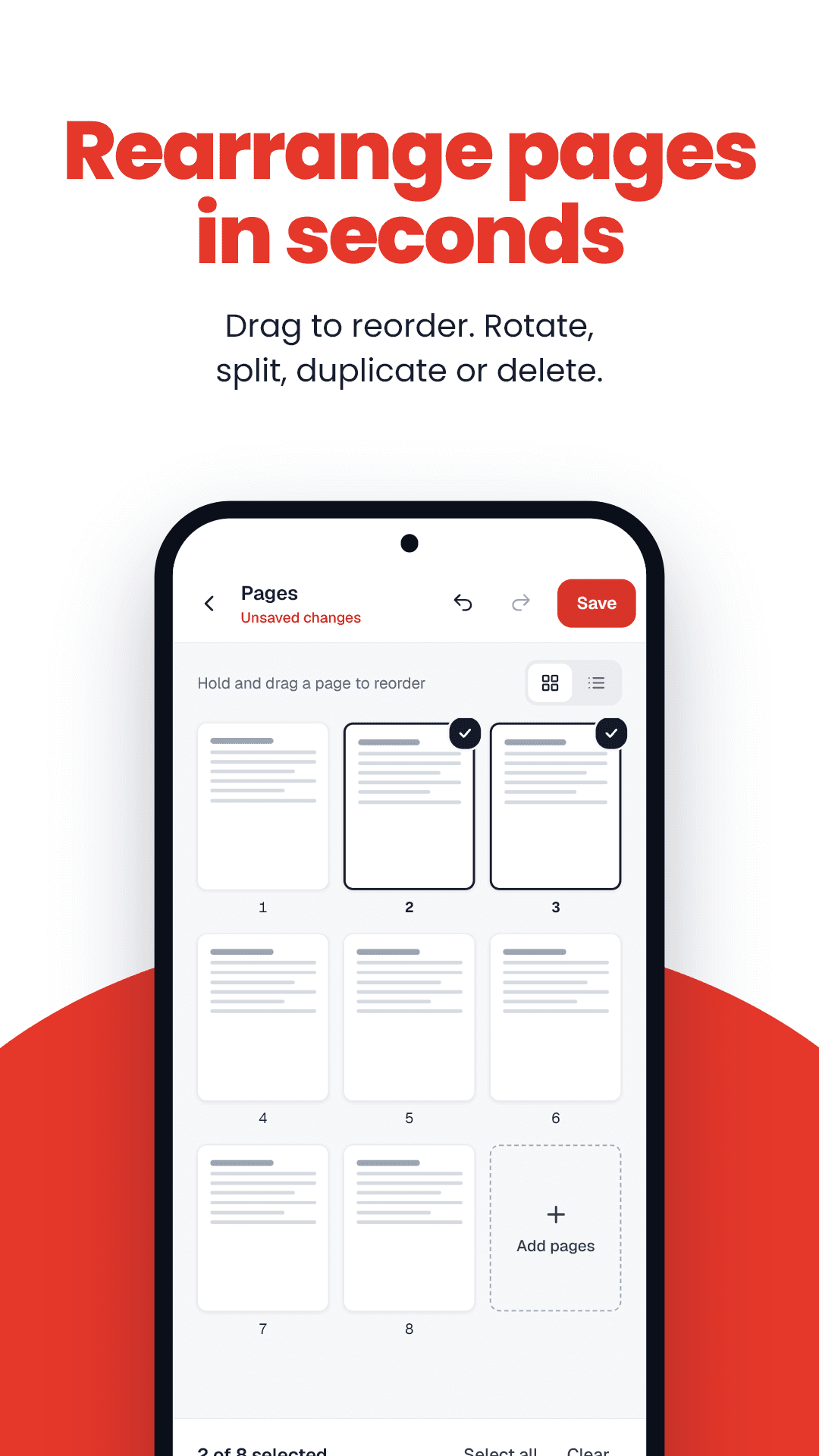
How to extract pages from a PDF
- 1Drop a PDF into the box.
- 2Tap pages or type a range — for example 1-3, 5, 9-.
- 3Press Extract and download the new PDF.
Split PDF: key facts
- Price
- Free — no sign-up, no watermark
- Privacy
- Runs in your browser; files are never uploaded
- Output
- New PDF with the selected pages
- Range format
- 1-3, 5, 9- (9- means page 9 to the end)
- Quality
- Lossless
- Works on
- Any modern browser — Android, iPhone, Windows, Mac
- Offline option
- FramePDF Android app (free)
Typical reasons to split a PDF
A bank statement where the form only needs the first page, a certificate bundled with pages you don't want to share, or a 40-page document where only pages 12–14 matter.
Smaller files are also easier to get under upload limits — removing pages is the best compression there is.