
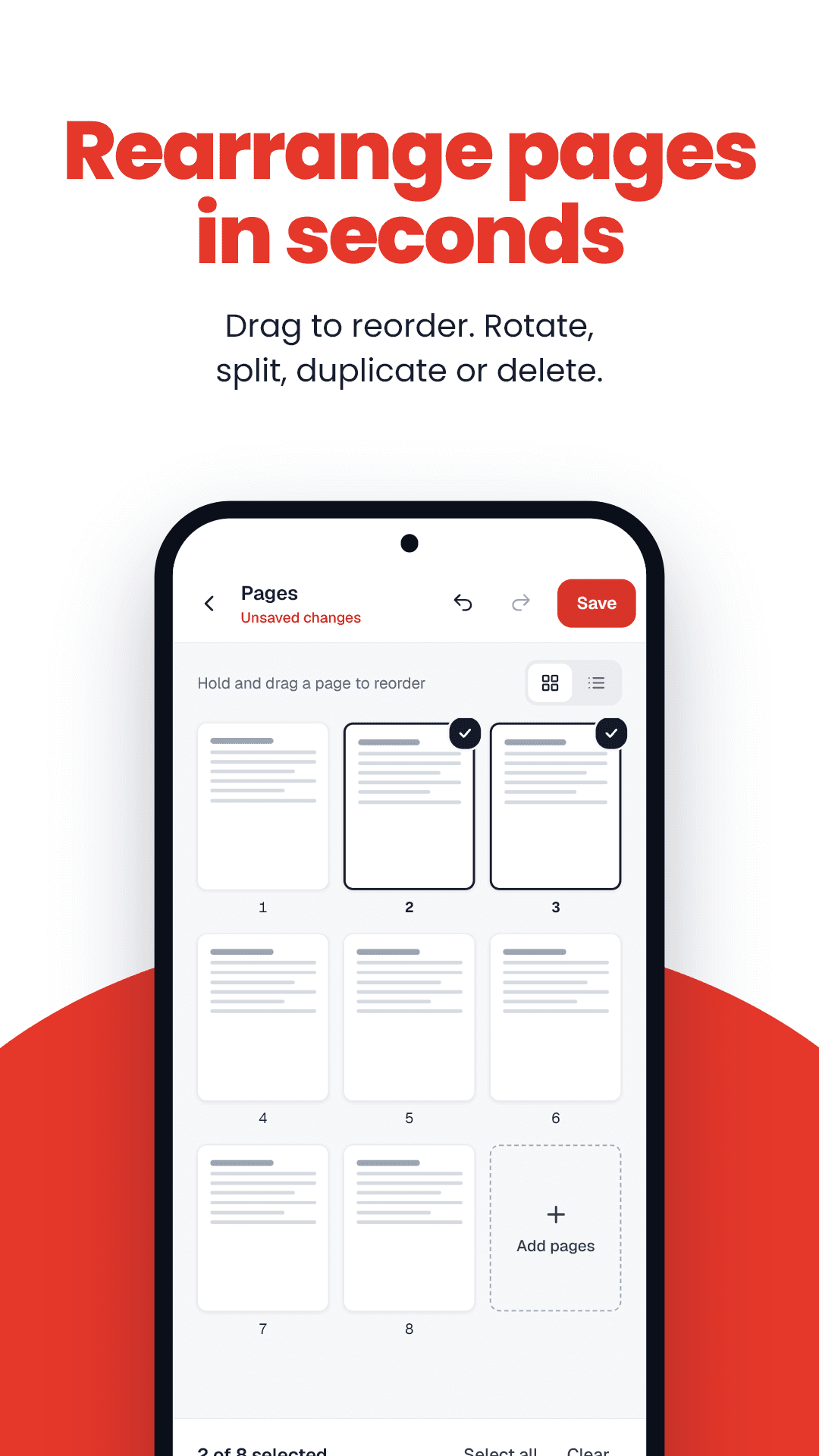
How to split PDF into single pages
- 1Drop your PDF into the box.
- 2Press Split into pages.
- 3Download the ZIP and unzip it.
Split PDF into single pages: key facts
- Price
- Free — no sign-up, no watermark
- Privacy
- Runs in your browser; files are never uploaded
- Output
- ZIP of single-page PDFs
- Naming
- yourfile-page-01.pdf, -page-02.pdf, …
- Works on
- Any modern browser — Android, iPhone, Windows, Mac
- Offline option
- FramePDF Android app (free)
When one-page-per-file helps
You scanned all your certificates into one PDF, but the form has a separate slot for each. Split once, then upload page 1 as the marksheet, page 2 as the caste certificate, and so on.