Zenvoq Labs

Rotate PDF pages

Fix sideways or upside-down scans. Rotate every page or only the ones that need it. Your file never leaves your device. The tool runs entirely in your browser — nothing is uploaded, stored, or seen by us.

Free Android app

Edit PDFs on your phone, offline.

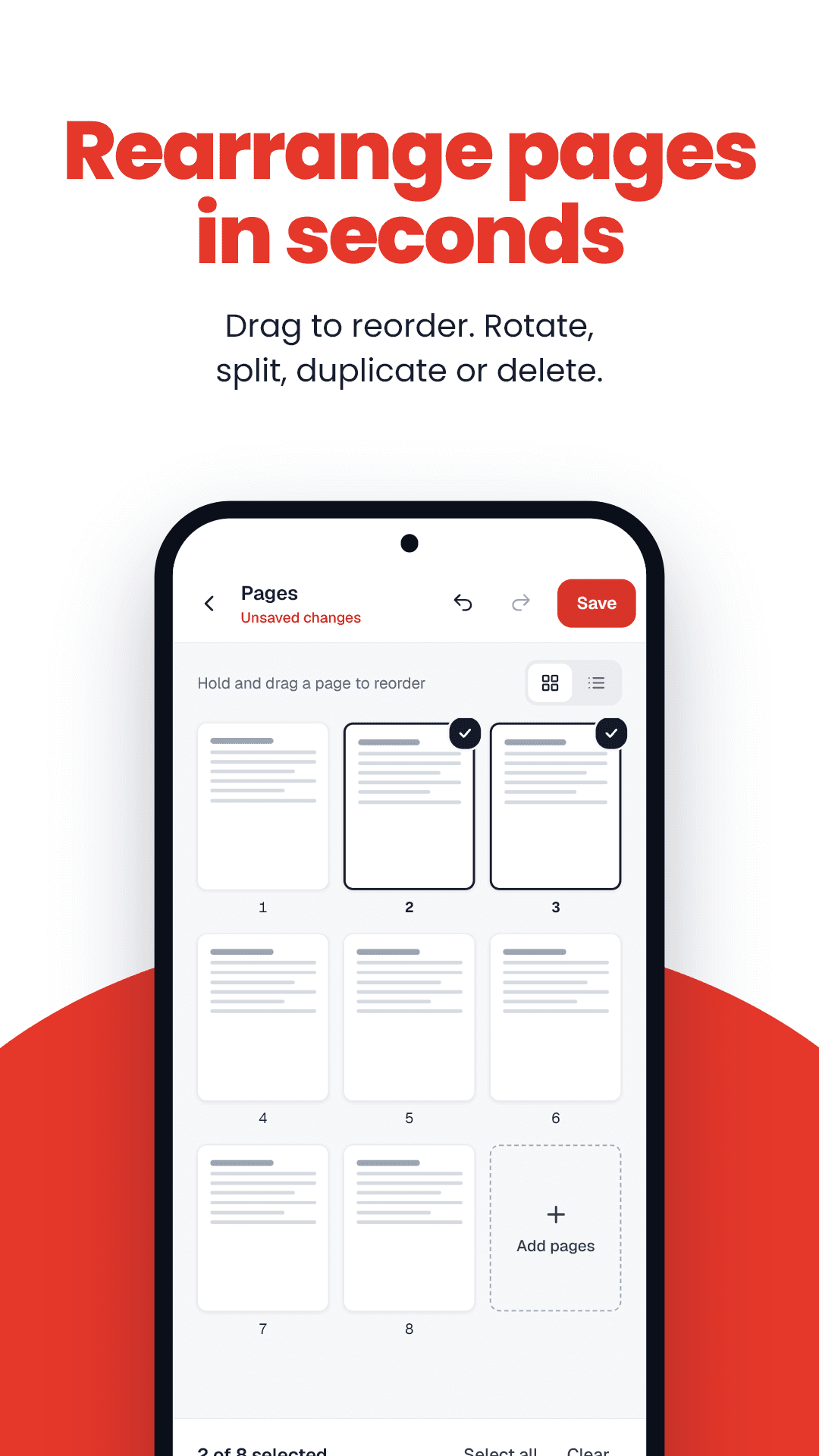
FramePDF combines, reorders, rotates and removes pages directly on your Android phone. Changes stack up on a copy, so your original is never touched — and nothing is uploaded.

  • Combine, reorder, rotate and remove pages
  • Undo or start over at any time
  • Works with no internet connection
Get FramePDF on Google PlayAndroid · Free · No account · Works offline

How to rotate PDF pages

  1. 1Drop a PDF into the box.
  2. 2Tap a page to rotate it, or use Rotate all.
  3. 3Download the corrected PDF.

Rotate PDF: key facts

Price
Free — no sign-up, no watermark
Privacy
Runs in your browser; files are never uploaded
Output
Same PDF, corrected orientation
Quality
Lossless — only the rotation flag changes
Works on
Any modern browser — Android, iPhone, Windows, Mac
Offline option
FramePDF Android app (free)

Why rotation matters for uploads

Verification officers read documents on screen. A sideways certificate is the easiest way to get an application sent back. Rotation here is lossless — the page is turned, not re-saved.

Frequently asked questions

More free tools

Exam & form guides